
If there is one document that opens almost every door in Pakistan, it is the Computerised National Identity Card, better known as the CNIC. You need it to open a bank account, get a mobile SIM, apply for a passport, register to vote, apply for a government job, buy property, and prove who you are in countless everyday situations. Yet many people only think about their CNIC when it expires, gets lost, or when a detail on it turns out to be wrong. This guide explains, in plain language, what the CNIC is, who can get one, how to apply for the first time, how to renew or change it, and what to do if it is lost, stolen or damaged.
What is a CNIC, and what is a Smart Card?
The CNIC is the national identity card issued by the National Database and Registration Authority (NADRA) to Pakistani citizens. Every adult citizen is issued a unique 13-digit identity number, which stays with that person for life. The number appears on the card, and it is also the number used across government records.
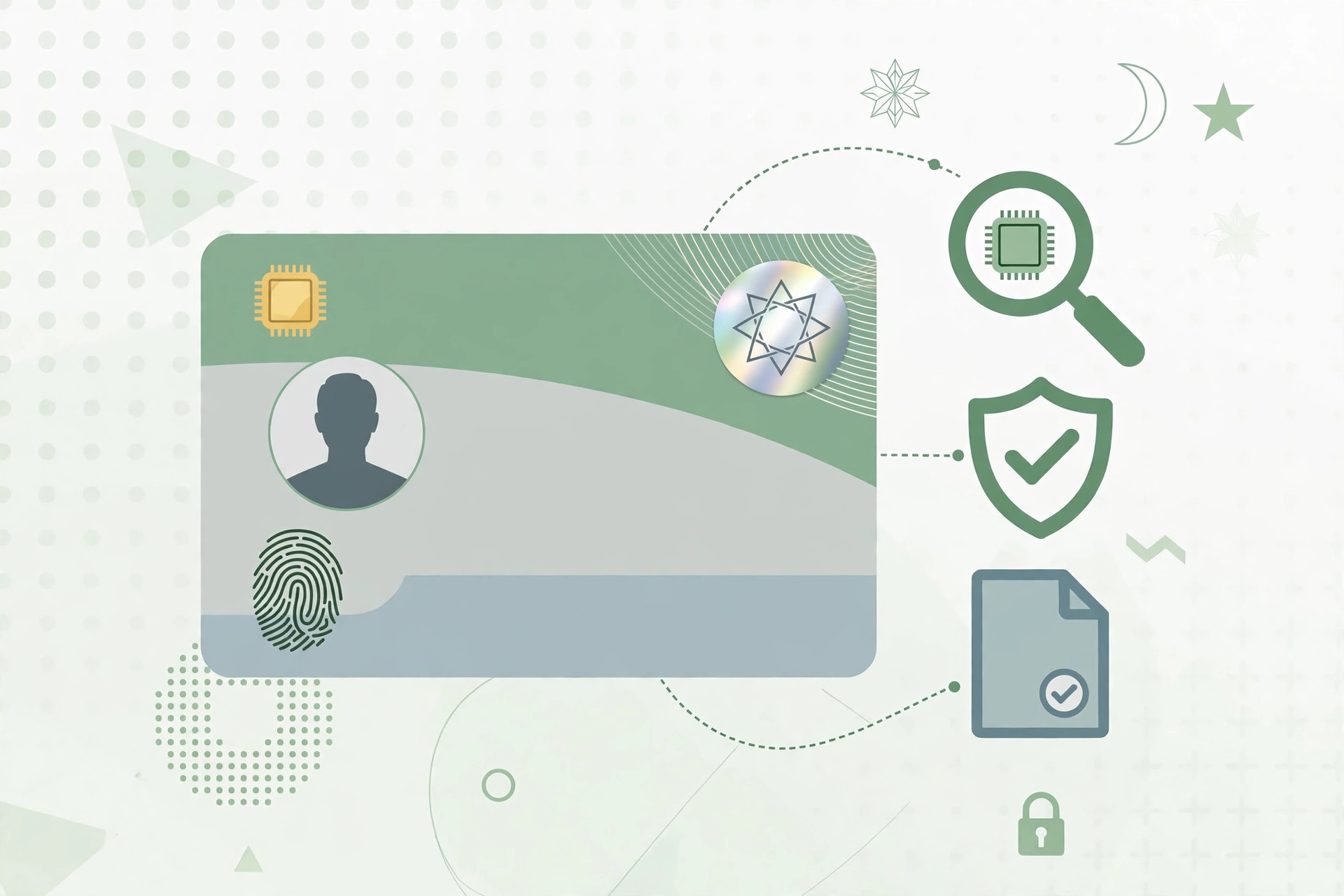
In recent years NADRA has mainly issued the Smart National Identity Card, often called the Smart Card. It looks like a modern plastic card and carries a chip. The older paper-laminated style card is being phased out, and most new, renewed or replaced cards are now issued as Smart Cards. For everyday purposes — banking, SIM registration, voting and travel documents — the Smart Card and the older CNIC serve the same function: they prove your identity and citizenship. If you still hold a very old card, it is worth checking whether it needs to be upgraded, because some institutions now ask specifically for the Smart Card.
Children under 18 do not get a CNIC. Instead, they are issued a Child Registration Certificate, commonly called a B-Form or CRC, which records the child's identity and links the child to the parents' record. When a young person turns 18, they become eligible to apply for their own CNIC.
Who is eligible for a CNIC?
In general, you can apply for a CNIC if:
- You are a citizen of Pakistan.
- You are 18 years of age or older.
- Your birth and family details are recorded in NADRA's database, or you can provide acceptable proof of citizenship and parentage.
For a first-time application, NADRA usually needs to verify your family link — typically through a parent's CNIC and your own birth record. If your parents are not in the system, or if your records are incomplete, the process may take longer and NADRA may ask for additional documents. That does not mean you cannot get a card; it means the verification step needs more care. Do not be discouraged if you are asked for extra proof — it is a normal part of keeping the national database accurate.
Pakistani citizens living abroad have a related card called the National Identity Card for Overseas Pakistanis, or NICOP. We discuss NICOP briefly later in this guide. If you live in Pakistan, the ordinary CNIC is the card you need.
First-time application: step by step
Applying for a CNIC for the first time is simpler than many people expect, but it helps to arrive prepared. Here is the usual process:
Step 1: Gather your documents
Before you visit a NADRA Registration Centre, collect the following if you have them:
- Your B-Form (Child Registration Certificate), if one was issued for you.
- Your birth certificate, or school record showing your date of birth, if available.
- Your father's or mother's CNIC number, or a copy of a parent's CNIC.
- Proof of address, such as a utility bill, if you have one.
- Any other identity document you hold, such as a matriculation certificate or domicile certificate.
You may not need every item on this list. NADRA's staff will tell you what is required in your case. But arriving with your B-Form and a parent's CNIC number will make the process much smoother. If a document is missing, ask the staff what alternative proof they will accept rather than going away empty-handed.
Step 2: Visit a NADRA Registration Centre or use the Pak-ID app
There are two main routes:
- Visit a NADRA Registration Centre (NRC) in person. This is the standard route, and it is required if your biometrics — fingerprints and photograph — need to be captured for the first time. Find your nearest centre, take your documents, and join the token queue. Staff will fill in your application form on the system, capture your fingerprints and photograph, and give you a receipt with a tracking ID.
- Use the Pak-ID mobile app or NADRA's online service. The Pak-ID app allows certain services, such as renewals and some modifications, to be completed from your phone, including uploading a photograph and documents and paying the fee online. First-time applications that need fresh biometric capture are usually still best done in person, but it is worth checking the app to see which services are currently available online. The app is especially useful for renewals, reprints and address changes, and it saves a trip to a centre.
Whichever route you choose, make sure the personal details you give — your full name, your father's name, your date of birth and your address — match your supporting documents. A small spelling difference now can cause problems later, for example when your CNIC name does not match your educational certificates or your bank account.
Step 3: Biometric verification
At the centre, your fingerprints and photograph will be captured. This biometric record is how NADRA confirms that one person holds one identity number, and it helps prevent duplicate or false cards. If your fingerprints are faint because of age, manual work or a medical condition, the staff have procedures to deal with that. Tell them honestly if you have difficulty, rather than worrying in silence.
Step 4: Pay the fee and keep your receipt
You will be asked to choose a processing category — typically normal, urgent or executive — and pay the corresponding fee. Fees and processing times change from time to time, so always check NADRA's current fee schedule at the centre or on NADRA's official website before you go. As a general guide, the normal category takes the longest and costs the least, while urgent and executive categories deliver the card faster at a higher fee. Your receipt will carry a tracking ID. Keep it safe; you will need it to follow up on your application.
Step 5: Track your application and collect your card
You can track your application using the tracking ID through NADRA's tracking service or helpline. When the card is ready, you will be told how to collect it. In many cases the card is delivered to the address you provided, or you collect it from the centre. When you receive it, check every detail immediately — your name, your father's name, your date of birth, your address and your identity number. If anything is wrong, report it at once rather than using a card with an error on it.
Renewal: do not wait until your card expires
A CNIC has an expiry date printed on it. Many people only notice this when a bank or a mobile company refuses to accept an expired card. It is far better to apply for renewal before the expiry date.
Renewal is usually straightforward, especially if your details have not changed. You can often renew through the Pak-ID app or at a registration centre, with fresh fingerprints and a new photograph. Renewal before expiry also avoids the inconvenience of being without a valid identity document while you wait for the new card.
If your card has already expired, you can still renew it. The process is the same, but do not delay — an expired CNIC can block banking transactions, SIM registration, passport applications and other services. Some people worry that an expired card means a fine or penalty; what matters most is simply applying for renewal as soon as you realise.
Modification: changing a detail on your CNIC
Life changes, and your CNIC sometimes needs to change with it. The most common modifications are:
Change of address
If you move to a new city or a new house, update your address on your CNIC. You will normally need proof of your new address, such as a utility bill, rent agreement or a property document in your name or a family member's name. An up-to-date address matters because it is used for voter registration, bank correspondence and official notices.
Change of marital status
After marriage, many people update their marital status and, where applicable, their spouse's name on the record. You will usually need your marriage certificate (Nikah Nama) and your spouse's CNIC details. Similarly, after a divorce or the death of a spouse, the record can be updated with the relevant certificate. Keeping marital status current matters for family records, inheritance matters and applications that ask for family details.
Correction of name or father's name
Spelling errors in a name, or a father's name recorded differently from official documents, are among the most common problems. Corrections usually require supporting documents — for example, a birth certificate, educational certificates or a parent's CNIC showing the correct spelling. If the correction is significant, NADRA may ask for additional verification. Be patient with this process: name corrections are checked carefully because the name on your CNIC must match your other legal documents.
Change of photograph
If your appearance has changed significantly, or your photograph is very old, you can apply for a new photograph when you renew or modify your card. A current photograph avoids problems when officials compare your face to the card.
Change of other details
Date of birth corrections are treated with particular care, because the date of birth affects age-based eligibility for jobs, retirement and other benefits. A date-of-birth correction normally requires strong documentary proof, such as a birth certificate or early school record. If your documents disagree with each other, NADRA may ask for a court order or further verification. Get advice early in such cases, and do not rely on an agent who promises a quick fix without documents — corrections made without proper proof can create bigger problems later.
For most modifications, you can apply through the Pak-ID app or at a centre, pay the applicable fee for the chosen processing category, and track the application in the usual way. Always check the new card carefully when it arrives.
Lost, stolen or damaged card: what to do
Losing your CNIC is stressful, but the replacement process is well established. Act promptly, because your identity number could be misused if the card falls into the wrong hands.
Step 1: Report the loss
If your card is lost or stolen, report it. In the case of theft, it is wise to report the matter to the police and obtain a copy of the report or FIR where applicable. Even for a simple loss, keeping a written record of when and where you lost the card is sensible. NADRA may ask for details about the loss when you apply for a replacement, and a police report strengthens your record if the lost card is later misused.
Step 2: Apply for a replacement
Visit a NADRA centre or use the Pak-ID app, if the service is available online, and apply for a reprint or replacement card. You will need to confirm your identity, and NADRA will verify your record before issuing a new card. The replacement card carries the same 13-digit identity number as the original — your number does not change when the card is replaced. That is important to remember: your identity number is permanent, even though the physical card is new.
Step 3: Block misuse and update your records
If you suspect your lost card could be misused — for example, to open an account or obtain a SIM in your name — inform your bank and your mobile operator, and keep an eye on your accounts. A replacement card does not automatically cancel misuse that has already happened, so staying alert matters. Once you have the new card, update any institution that holds a copy of the old card if they ask for it.
Damaged cards
If your card is broken, faded or the chip no longer works, apply for a replacement in the same way. Do not try to repair a damaged Smart Card yourself, and do not laminate or alter it in ways that damage the chip. A damaged card that cannot be read by a machine can be as unusable as a lost one.
CNIC for overseas Pakistanis: the NICOP
Pakistani citizens living abroad can apply for a NICOP, which serves as their identity document while overseas and is recognised as proof of identity and citizenship on visits to Pakistan. The NICOP is applied for through NADRA's overseas facilities or online services, and it can also be used for matters such as opening bank accounts and property transactions in Pakistan. If you move abroad permanently, or if you are already abroad and your CNIC has expired, check NADRA's guidance on NICOP rather than waiting until your next visit to Pakistan. Overseas Pakistanis should also keep their NICOP current, because an expired card can complicate travel documents and consular services.
Fees and processing times: what to expect in general
NADRA offers different processing categories at different fees, and both fees and timelines are revised from time to time. Rather than relying on a fee figure you read months ago, check the current schedule on NADRA's official website, on the Pak-ID app, or at the registration centre before you apply. As a general pattern:
- Normal processing is the cheapest option and takes the longest, often several weeks.
- Urgent processing costs more and delivers the card sooner.
- Executive processing is the fastest and most expensive option.
Choose the category that fits your need. If you have no urgent deadline, the normal category saves money. If you need the card for a job, a passport application or travel, paying for faster processing may be worth it. Always get a receipt showing the category you paid for and the expected delivery window, and track the application if it goes beyond that window.
Be cautious of agents or middlemen who charge large extra sums and promise same-day cards without proper verification. NADRA's official channels are the safe route. If someone offers to bypass biometric verification or document checks, that is a warning sign, not a shortcut.
Common problems and how to handle them
"My name is spelled differently on different documents"
This is one of the most frequent complaints. Educational certificates, passports, bank accounts and CNICs sometimes spell a name differently — for example, with or without a middle name, or with a different transliteration of an Urdu name. Where possible, get your documents aligned to one consistent spelling, and use the spelling on your birth record and early documents as your reference. When applying for a correction, bring every document that supports the correct spelling.
"My father's name is wrong on my CNIC"
This usually happens when the father's name was entered from an old record or a misspelt document. A correction requires your father's CNIC or other proof of the correct name. If your father is deceased or his own record has an error, the process may need additional documents. Start early, because family-record corrections can take time.
"My date of birth is wrong"
As noted above, date-of-birth corrections need strong proof. Gather your birth certificate and earliest school record first. If those two agree with each other but disagree with your CNIC, your case is stronger. If your own documents disagree, you may need legal advice about which record to rely on and whether a court declaration is needed.
"My fingerprints are not being accepted"
Older people, manual workers and people with certain medical conditions sometimes have fingerprints that are hard to read. NADRA centres have procedures for such cases, including repeated capture attempts and alternative verification. Explain the difficulty to the staff and ask what procedure applies. Do not let embarrassment stop you from asking — this is a routine issue.
"My application is delayed"
Delays happen, especially when verification is needed from another district or when a family record is incomplete. Track your application with your tracking ID, and if the delay goes well beyond the expected window for your processing category, visit the centre or contact NADRA's helpline with your receipt. Keep your receipt until the card is in your hands.
"I have two identity numbers or a duplicate record"
This is a serious record problem and must be resolved through NADRA directly. Do not use two different numbers for different purposes — for example, one for banking and one for a passport. That can create legal complications. Report the duplicate to NADRA and follow their process to merge or cancel the incorrect record.
Why your CNIC matters so much
It is easy to treat the CNIC as just another card in your wallet, but its role in daily life is enormous:
- Banking: Banks require a valid CNIC to open and operate accounts, and they verify it against NADRA's record. An expired or incorrect CNIC can freeze transactions.
- Mobile SIMs: SIM registration in Pakistan is linked to your CNIC and biometric verification. Without a valid CNIC, you cannot register a SIM in your name.
- Voting: Your CNIC is the basis of your entry on the electoral roll. Your constituency is linked to the address on your record, which is another reason to keep your address current.
- Passport: A valid CNIC or NICOP is required for a passport application. Errors on your CNIC will carry over into passport problems if they are not fixed first.
- Jobs and education: Government jobs, professional registrations and many private employers ask for a CNIC copy. Admission forms and examination registrations also use it.
- Property and legal matters: Property transfers, court filings, affidavits and contracts routinely require CNIC copies of the parties involved.
- Government services: Subsidies, social protection programmes, driving licences and tax records all connect back to your identity number.
In short, keeping your CNIC valid and accurate is not paperwork for its own sake. It protects your access to services and your legal identity.
Practical tips
- Check your expiry date today. If it is within the next few months, start your renewal now.
- Photocopy or photograph your CNIC and keep the copy somewhere safe, separate from the original. It helps if the card is lost.
- Never hand your original CNIC to an unauthorised person or leave it as security where it is not legally required. Give a photocopy where a copy will do.
- Do not share clear photographs of your CNIC on social media or messaging groups. Your identity number and personal details can be misused.
- Keep your receipt and tracking ID until the new card is delivered and checked.
- Check the new card immediately for spelling, date of birth and address errors.
- Update your address when you move, so that official correspondence and your voter record stay correct.
- Use official channels only — NADRA centres, the Pak-ID app and NADRA's official website and helpline — and be wary of anyone charging large unofficial fees.
Conclusion
The CNIC is the foundation of your civic and legal identity in Pakistan. Applying for it, renewing it, correcting it and replacing it are all routine processes, even if they sometimes feel slow or complicated. The key habits are simple: apply early, bring the right documents, check every detail on the new card, and act quickly if the card is lost or stolen. If you keep your CNIC valid and accurate, you protect your access to banking, voting, travel, employment and the many other services that depend on it. And if you run into a problem — a spelling error, a verification delay or a lost card — remember that NADRA has a process for it. Start with your documents, use the official channels, and keep your receipt until the job is done.